

How to use the Joody Cargo app to track your shipment step by step
In today's shipping world, customers need to know the location of their shipments at all times. That's why we offer Joudi Cargo A smart application that allows you Track your shipment in the Joody Cargo app It's incredibly easy from the moment you receive it until final delivery. In this article, we'll explain step-by-step how to use the application efficiently, with illustrative screenshots from the interface.
1) Install the application and activate the account
First step to begin Track your shipment in the Joody Cargo app Download the app from the appropriate app store for your phone (Android or iOS). After installation, activate your account using the phone number you registered your shipment with, and a dashboard will appear displaying all your shipments.
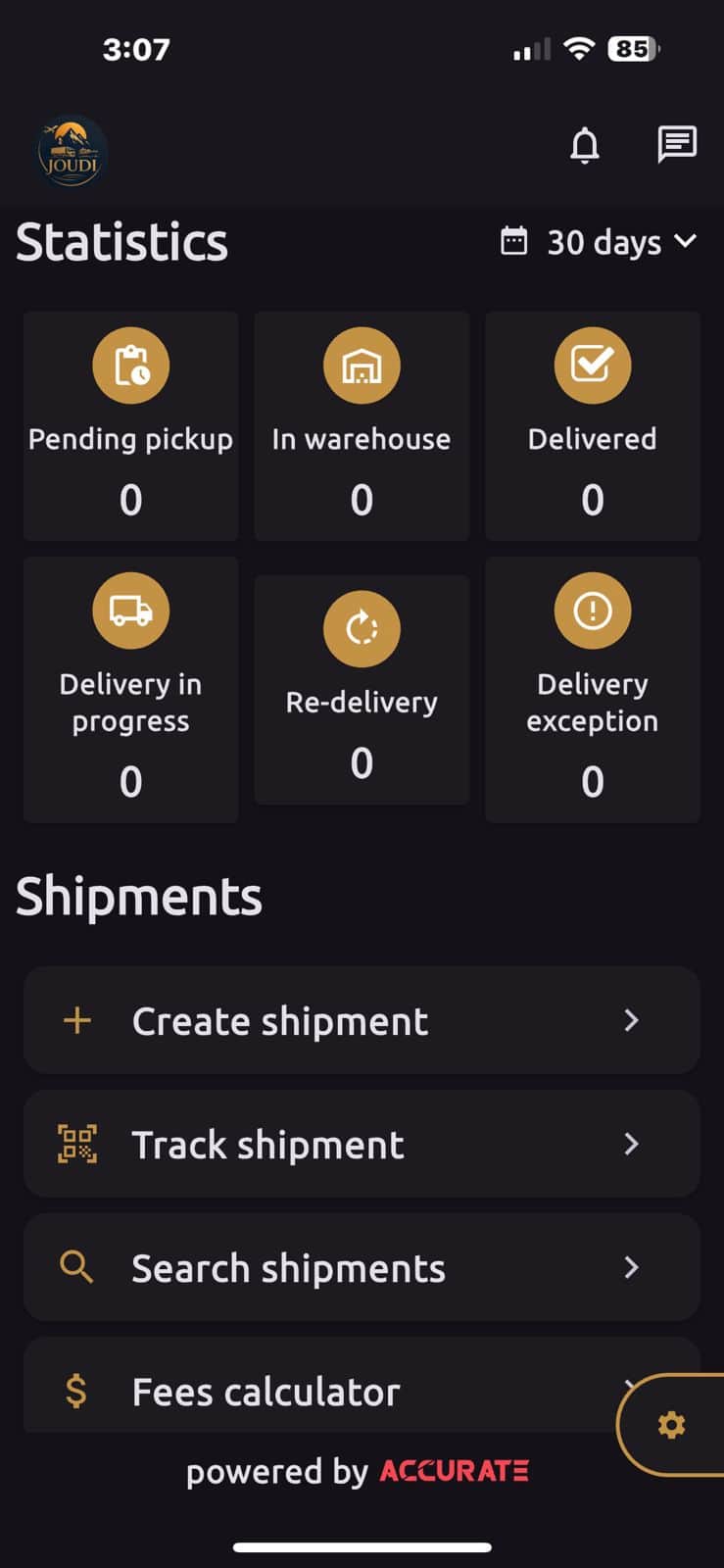
2) Where do I write the tracking number?
After creating the shipment, you will receive a tracking number. Open the app and go to the tracking section. Track shipment Then enter the number in the search box. Once entered, the app will display the current status and approximate location of the shipment.
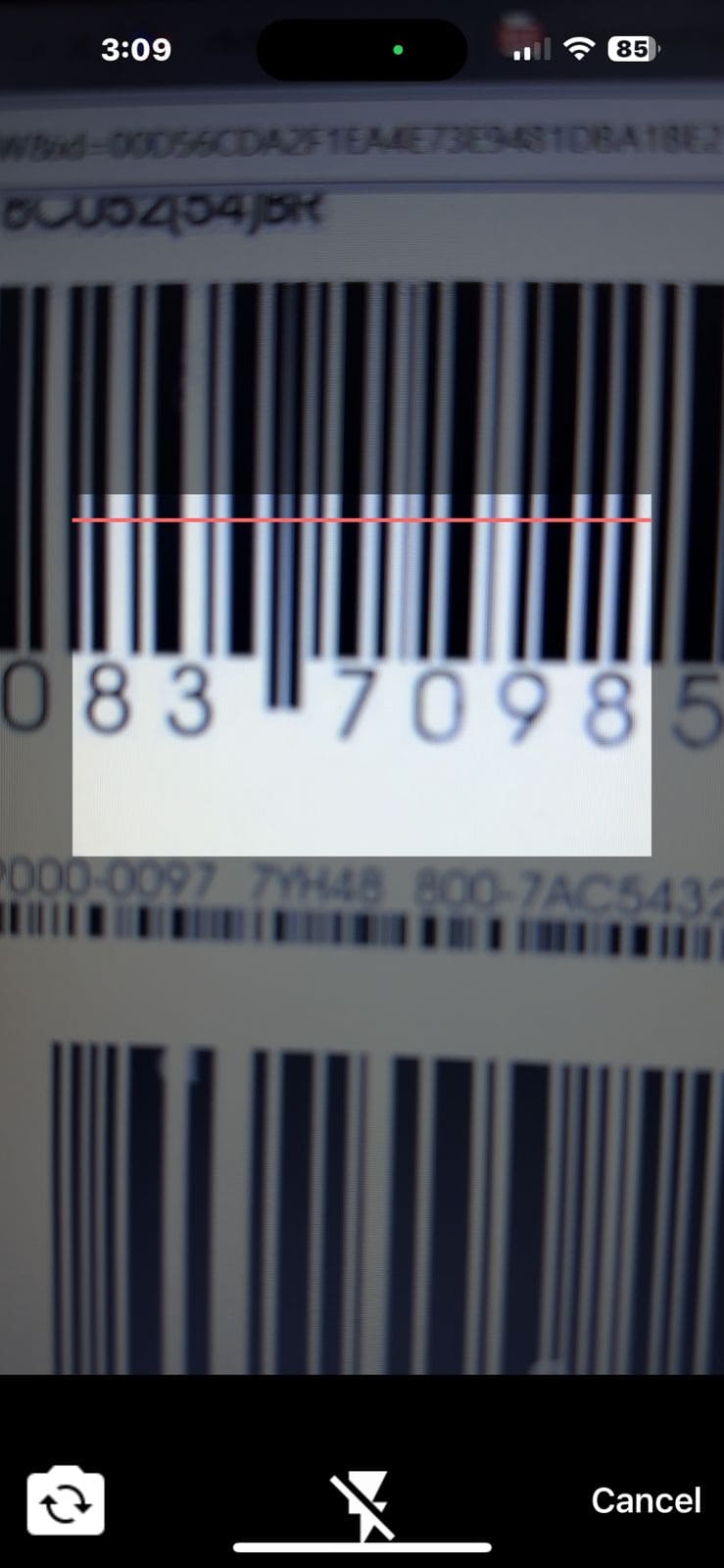
3) Allow the camera to be used to activate the scanning feature
One of the useful features in Judy Cargo app The app allows you to track your shipment by scanning the barcode. Upon first opening the camera, the app will request permission to access the camera to enable automatic scanning.
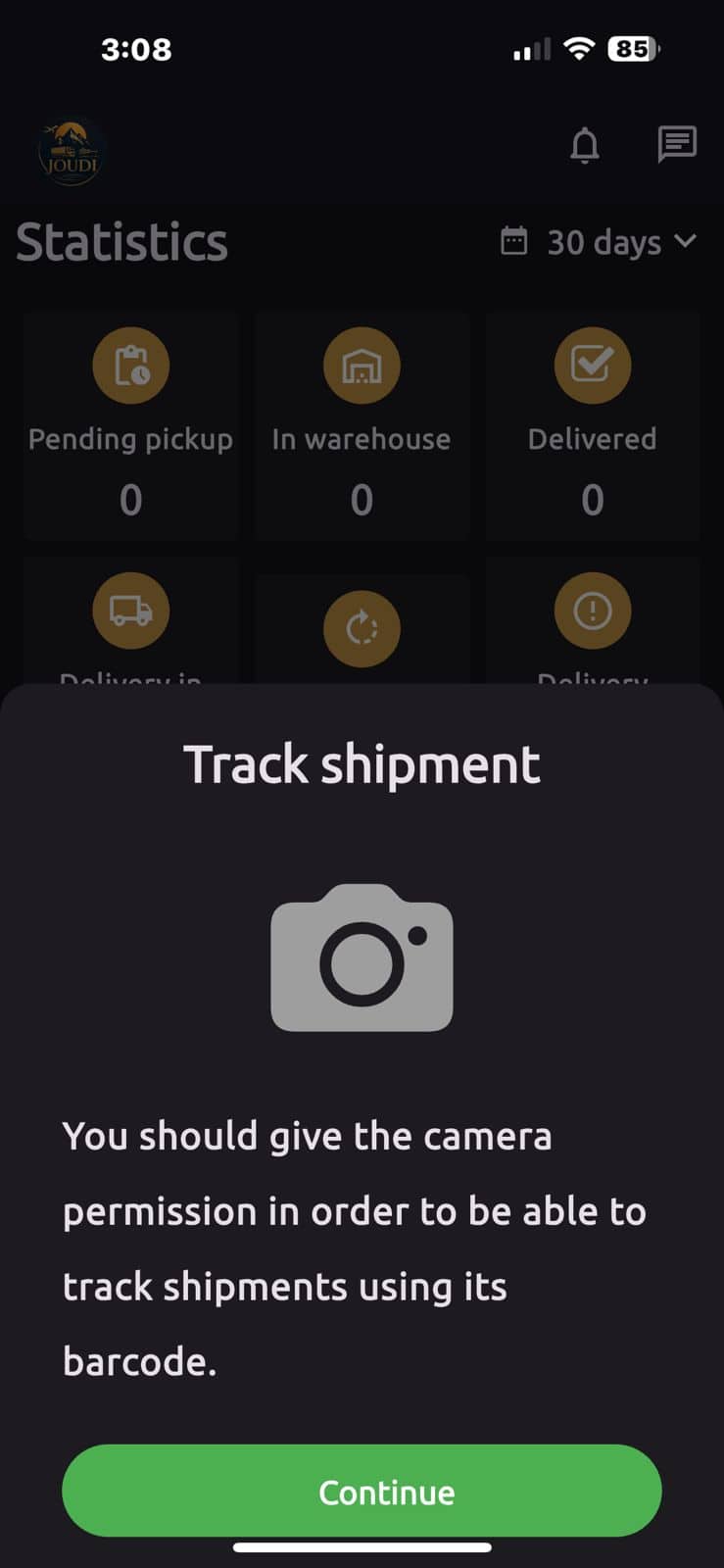
4) Understanding the application interface
The homepage contains sections that show the status of each shipment, such as: Pending pickup (Awaiting receipt), In warehouse (In the warehouse), Delivery in progress (In transit) Delivered (Delivered).
Additional options are also available below, such as:
- Create shipment: To create a new shipment.
- Track shipment: To track current shipments.
- Search shipments: For advanced search within your account.
- Fees calculator: To calculate the shipping cost before sending.
5) Instant notifications and updates
Whenever there's a change in your shipment's status, you'll receive instant notifications on your phone indicating the transition from one stage to the next. This feature ensures you can track your shipment without having to open the app each time.
6) Share the tracking link
You can send the tracking link to your customer directly via WhatsApp or email from within the shipment details. The link only displays the shipment status without revealing any sensitive information about your account.
7) Track the shipment during customs clearance
When the shipment reaches the clearance stage, the app displays a “Customs Procedures” status. If additional documents are required, you can upload them directly within the app to expedite the process. Learn more about this stage in our article. Customs clearance with Judy Cargo.
8) Quick tips for using the app effectively
- Activate notifications to know the status of your shipment firsthand.
- Use the scan feature to speed up the search process.
- Share the link with your customer to reduce manual communication.
- Upload the required documents immediately when needed.
9) Conclusion
With the application Joudi CargoTracking shipments has become easier and faster than ever. Whether you're sending goods from the UAE to Egypt or Saudi Arabia, the app puts all the shipment details at your fingertips, step by step. Download it now and start tracking your shipment with confidence.
Download the app and start tracking your shipment now
Available on both official stores, with immediate support from the team. Joudi Cargo.
Download from Google Play Download from the App Store


No comments